

Voomixi Com: What Loads, and How You Got There
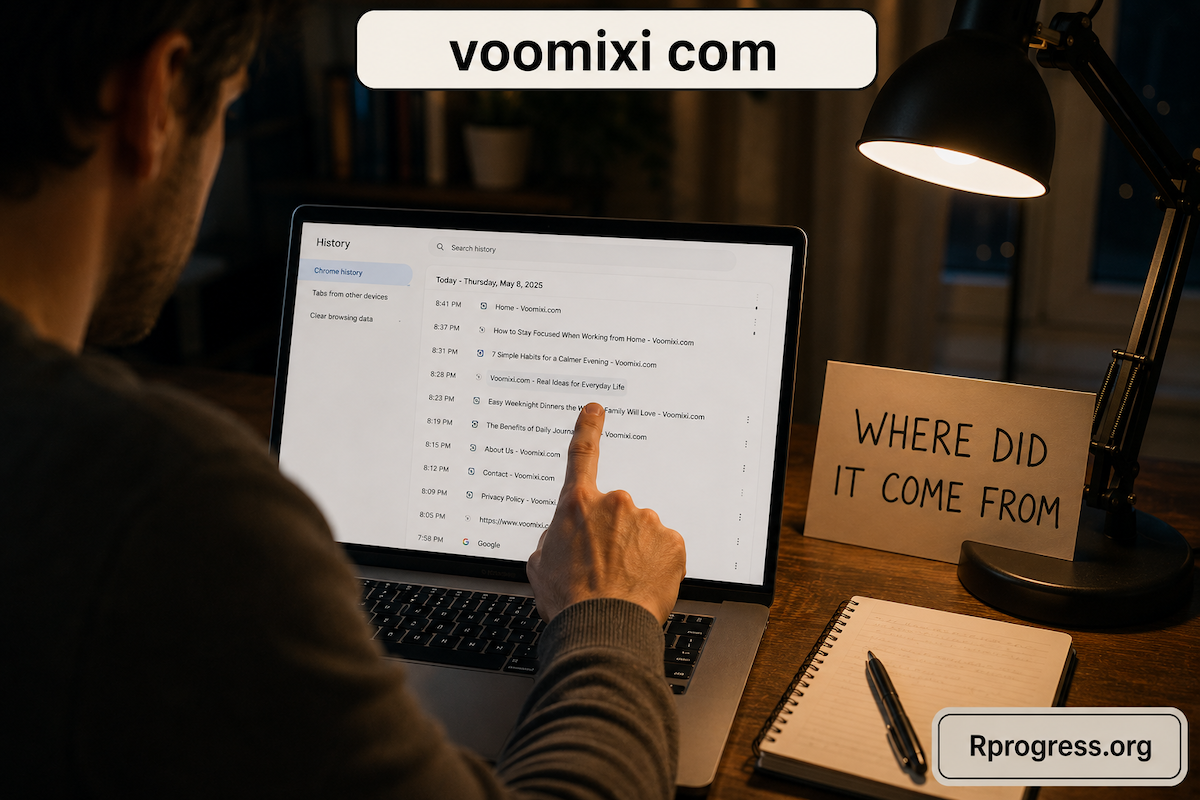
There is a tab open in front of you with a name on it you do not recognise, and you are fairly sure you did not type it. Maybe you noticed it while closing everything down. Maybe it arrived in the middle of something else and you have been staring at it since.
Most people who look up voomixi com are asking two questions at the same moment, and it helps to pull them apart. The first is what this website is. The second is how you ended up on it. Almost everything written about an unfamiliar address answers the first one and presents it as though it settles the second, and it does not. This piece covers both, and spends most of its time on the second, because if something sent you somewhere you did not choose, that is the part worth knowing.
What loads when you go to voomixi com
If you type the address in yourself, what appears is a blog. It runs on WordPress with an off-the-shelf news theme, and it looks and behaves like several thousand other small publishing sites.
There are eight categories along the top: Technology, Finance, Business, Education, Health, Lifestyle, Home Improvement and Law. The posts are dated and carry a byline, and the comment forms are open underneath them, currently with nothing in them. Publishing ran at close to a post a day through late April this year, with the most recent one appearing in early May.
There is nothing to sign up for. No account, no login, no subscription, no payment step, no download offered. You open it, you read whatever is there, and that is the entire extent of the interaction available to you.
That is a plain description rather than a verdict, and it is worth having on the record before anything else, because it is the one thing you can check in about five seconds for yourself.
Why that may not match what happened to you
Plenty of people say they reached this address without meaning to, and if that is you, the paragraphs above will not feel like they describe your experience at all. That is worth taking seriously rather than waving away.
Here is the ordinary explanation, and it is duller than it sounds. A domain name can turn up inside an advertising chain, a shortened link or a sequence of hops between pages without whoever publishes at that address having arranged it, benefited from it, or being able to stop it. Names get bought, sold, pointed at things and referenced by third parties, and the person writing blog posts at one end of that chain has no visibility of the other end.
So both of these can be true at once. There can be an unremarkable blog at an address, and people can also arrive at that address through routes they did not intend. Neither fact cancels the other, and treating them as the same question is what makes so much of what you have read about this feel contradictory.
A page and a path are two different questions
This is the part worth carrying away from the whole article, because it applies to any address you find yourself on unexpectedly.
When something opens that you did not open, your instinct is to investigate the destination. You search the name, you read what other people say about it, you try to work out whether it is respectable. That is a natural response and it is aimed at the wrong target.
The destination is the end of the story. Whatever is published there, it did not reach out and grab you. Something earlier in the sequence decided you were going there, and that something is still in place. If you learn everything there is to know about the page and nothing about the path, the same thing happens again next week and you are no wiser.
The good news is that the path is usually much easier to trace than the destination is to research, because your own browser has been quietly writing it down the entire time. Knowing what is at the end of a road does not tell you who put you on it. Your history does.
Six ways to work out where a redirect came from
None of these need any technical knowledge and all of them can be done in a few minutes.
- Open your browser history and read the entries immediately before it. This is the single most useful thing you can do and almost nobody thinks of it. History records the whole path, not just where you ended up, so the two or three lines above the unexpected one will usually show you exactly where the hop started.
- Think back to the last thing you clicked. Not the last page you were reading, the last thing you deliberately clicked on. A link in a message, a banner on a page, a button inside a free app, a shortened link in a comment thread. One of those is nearly always the answer.
- Check whether it happens on one website or everywhere. This one question splits the problem in half. If it only happens while you are on a particular site, the cause is that site. If it happens across everything you browse, the cause is something on your device or in your browser.
- Look at your browser extensions and sort them by when they were added. Most people have collected several over the years and stopped noticing them. Something added recently, for one task, and then forgotten is the most common cause of the everywhere version of this.
- Try the same browsing on a second device on the same connection. If your phone does it too, look at the network or the site. If only one machine does it, the cause lives on that machine, which narrows things down considerably.
- Read the address bar one character at a time. Names in this shape cluster very closely together and a single changed or missing letter puts you on a completely different website run by completely different people. Confirm which address you are on before you conclude anything about it.
Between them these six will identify the source in most cases, and identifying the source is the only thing that stops it repeating.
If it keeps happening
Assuming it is not a one-off, a few sensible steps are worth taking, and none of them are dramatic.
Close the tab. You have lost nothing by having had it open. Do not type anything into a page you did not mean to arrive at, which is a good habit regardless of what the page turns out to be. If you found an extension you do not recognise or no longer use, remove it, and the same goes for one you installed for a single task months ago.
If a work laptop or a work phone is involved, tell whoever looks after your devices rather than quietly working around it. They would far rather hear about it early, it takes them five minutes, and it may be affecting other people on the same setup.
And it is worth saying clearly, because the tone of most writing on this subject does not: arriving somewhere unexpectedly is not the same as having been harmed. Most of the time this is an advertising nuisance rather than an incident. Trace it, tidy up what you find, and get on with your day.
What the site publishes, and who it is written for
Coming back to the destination for a moment, because the content there is more specific than the general descriptions suggest.
The recent articles are squarely small-business material. Business insurance in a named US state. What counts as your principal place of business and why the answer is not simply where your post arrives. When a small company is better off with a tax accountant than without one. What a business attorney does that a template cannot. Choosing between business internet and phone bundles. Whether search optimisation is worth paying for at a small scale.
That is a particular reader, and it is an owner-operator rather than a general browser. It is worth noting that this kind of writing dates faster than most and varies enormously by state and by circumstance, which is a reason to treat any single article on any site as a starting point rather than an answer, and to confirm anything specific with someone qualified where you actually trade.
Why nobody can tell you a website is safe
You may have noticed this article has not given you a verdict, and that is deliberate rather than evasive.
Safety is not a property that a page has sitting there. It depends entirely on what you do while you are on it. Reading something costs you nothing at all. What carries any risk is what you hand over, and that means typing details into a form, creating an account, entering a card number or a code, or downloading a file.
So the habit worth building is not deciding in the abstract whether a site deserves your trust. It is noticing the exact moment a page starts asking you for something, and treating that moment as the point where a decision is required. Until then you are just reading, and reading is not the risky part.
Questions people ask about voomixi com
What is voomixi com?
A WordPress blog publishing across eight categories, mostly small-business and general-interest articles, with posts dated through spring this year. It is free to read and there is nothing on it to join or buy.
Why did my browser open it on its own?
Something earlier in your browsing sent you there, and your history will usually show what. Work through the six checks above, starting with the entries immediately before it, rather than trying to answer this by researching the destination.
Is there anything to log into?
No. There is no account system, no sign-up and no member area on the site. If you are being shown a login prompt, check the address bar carefully, because you may not be where you think you are.
Does it ask for personal details?
Not for reading. The articles are open in a browser with nothing required from you. As anywhere, the moment a page does ask for something is the moment to stop and decide, rather than the moment to keep going.
What should I do now?
Close the tab, check your history for the two or three entries before it, and have a look at your browser extensions. That covers the common causes and takes about five minutes.
What to take away
What is published at an address and how you were sent to it are two separate facts, and only one of them is going to change anything about tomorrow. The destination is fixed and somebody else’s business. The path is yours, it is recorded, and it is fixable.
So when something opens that you did not open, check the history rather than the reviews. In the case of voomixi com you will find a blog at the end of it either way, but the far more useful thing you will find is the step that put you there, and that is the one worth knowing.